
in this post I’ll show you how to replace system fonts in windows with Roboto. Roboto is crafted for requirements of UI & high-resolution screens.
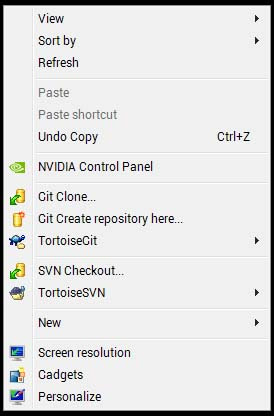
Steps
Download the font from google android design center Robot font.
Install the font
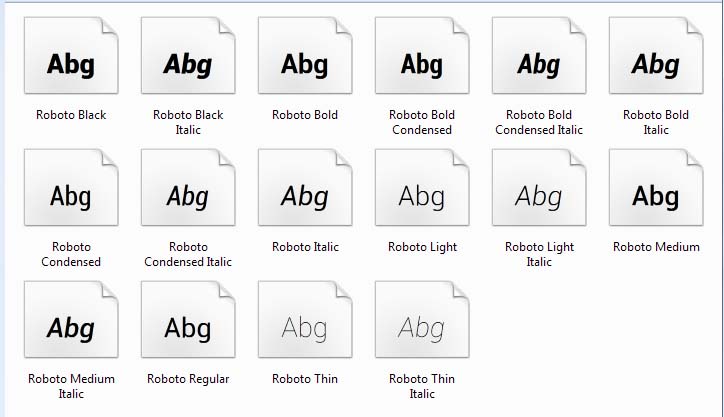
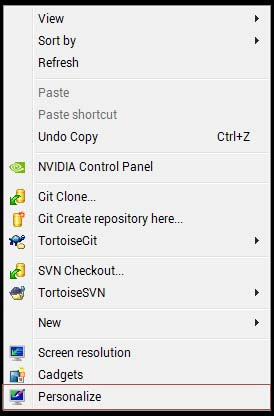
- Right click desktop & select personalize
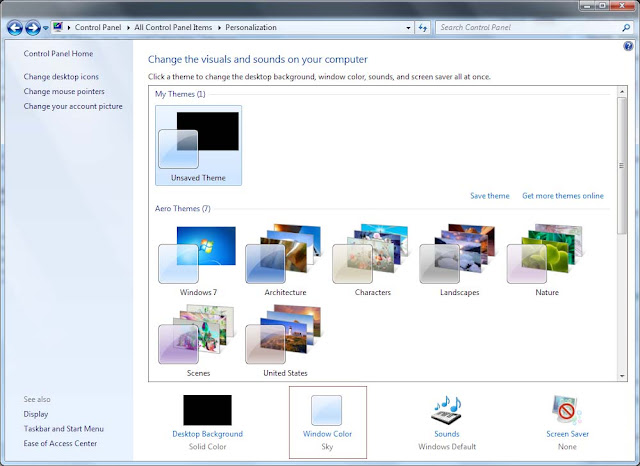
- Select window color
- Select advanced appearance settings
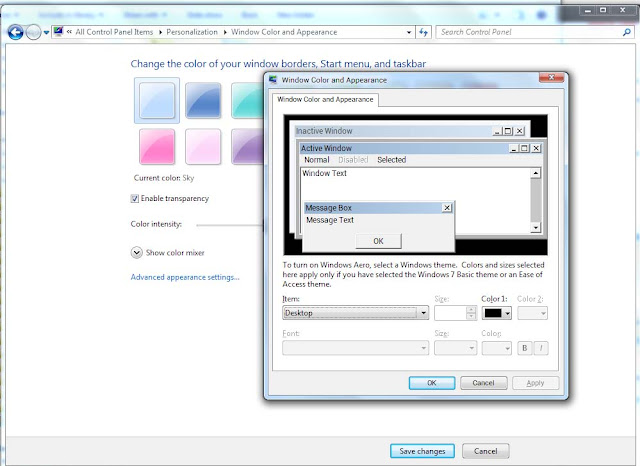
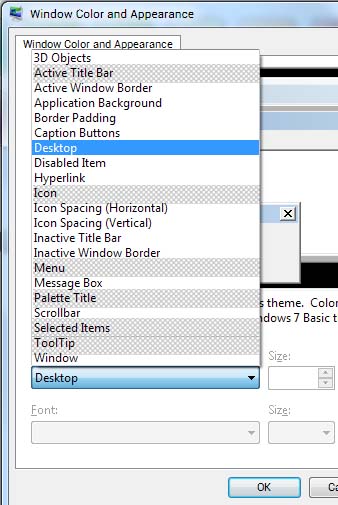
- Select Item drop down & Change font to Roboto for the following.
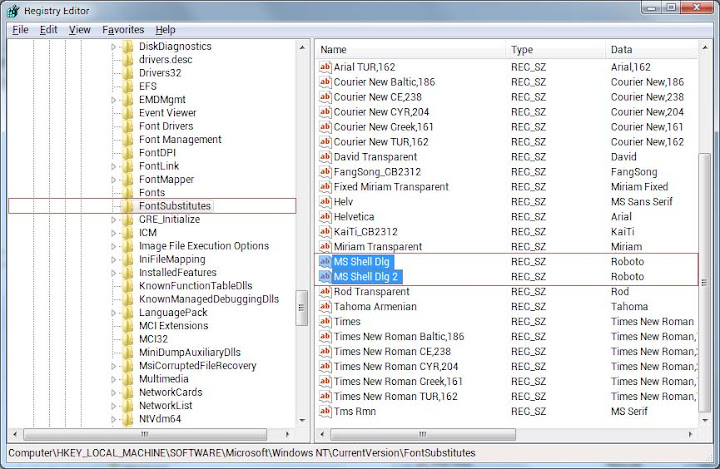
- To change windows system font – type regedit on windows run. Goto HKEY_LOCAL_MACHINE > Software > Microsoft > Windows NT > CurrentVersion > FontSubstitutes
- Restart