Update
April 8th 2013
Yomen normal installation (npm install) works fine now. No need to do extra steps for windows.
install -g yo grunt-cli boweryo webappnpm install && bower installgrunt
Introduction.
Yeoman 1.0 Beta out a few days ago. Its not officially supported on Windows, as of now we have to do some extra work to make it work on windows. Installing this version is simpler than previous Yeoman 0.9 on windows.
Don’t use Yeoman 1.0 Beta in production, it may have bugs.
In new version tools are divided into 3 category.

yo for scaffolding tools.
grunt 0.4.0 as build tool.
bower as package management tool.
Bower and Grunt 0.4.0 will work on windows. I faced problem when installing Mocha and Imagemin.
Installation
- Install nodejs if its not installed.
- Uninstall previously installed gruntjs.
- Install yo, grunt-cli and bower using:-
install -g yo grunt-cli bower
Note: You must install Compass if planned to use SASS/SCSS.
Create a project folder and open it in cmd.
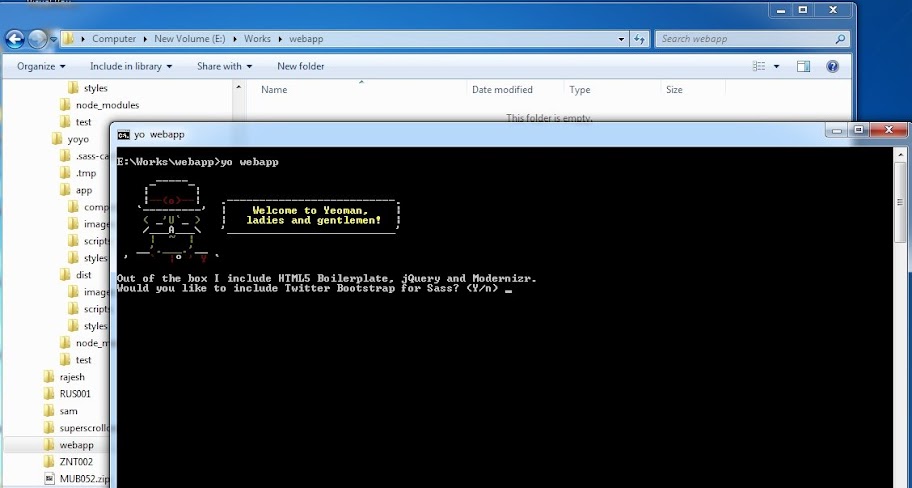
type: yo webapp
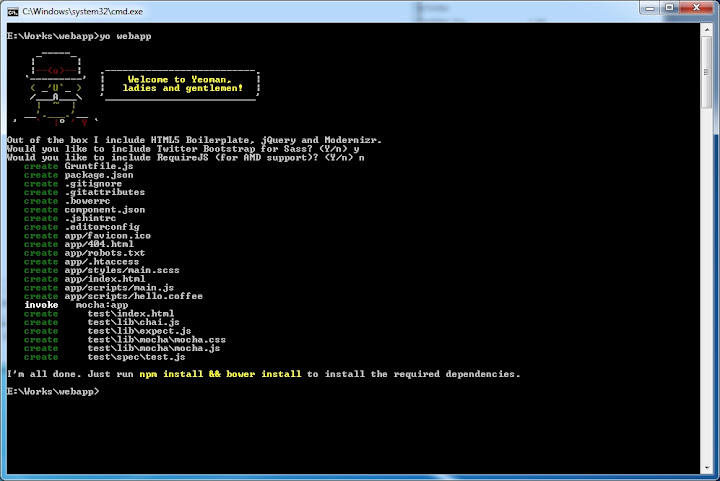
It will ask you some questions about the type of the project. Once project created, open package.json and delete
"grunt-contrib-imagemin":"0.1.2"
"grunt-mocha":"~0.2.2"
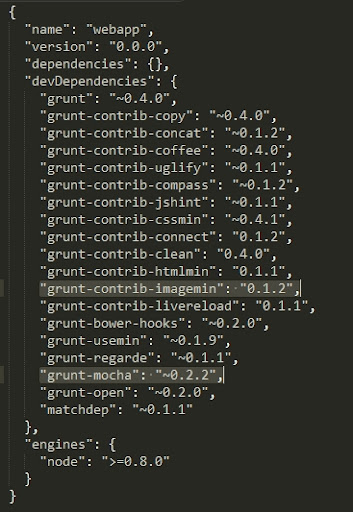
Save it and run
npm install && bower install
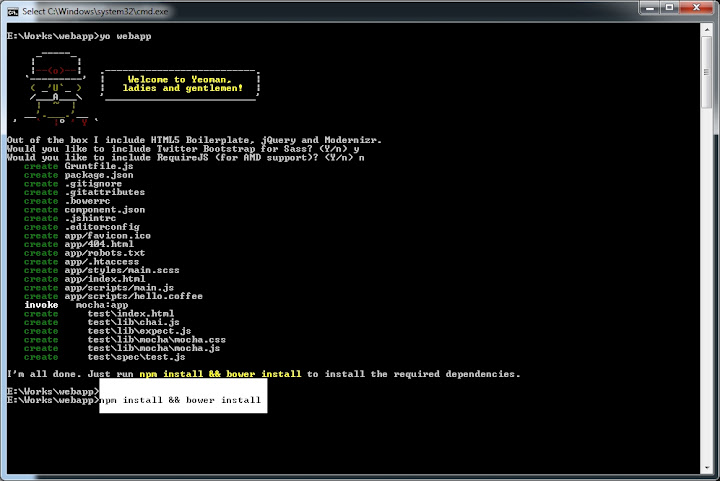
Sit and relax, it will install all project dependencies. Run following command once installation completes.
npm install grunt-contrib-imagemin
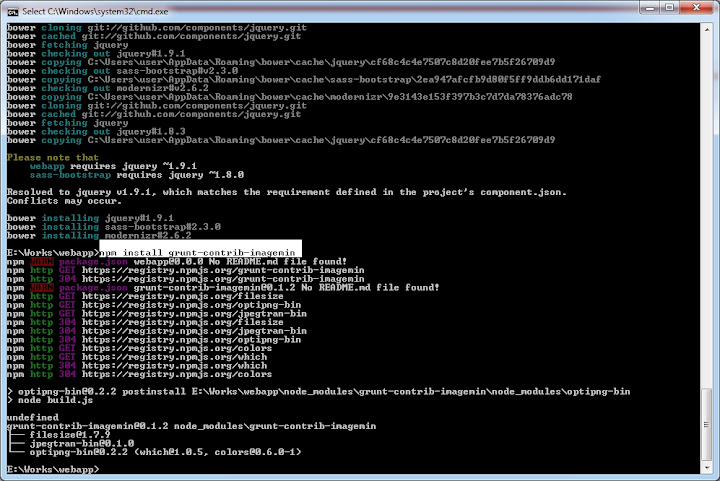
It installs optipng and jpegtran. After installation open package.json and add “grunt-contrib-imagemin”:“0.1.2” in the list.
Now comes the hardest part : Mocha test suite installation.
Go to phantomjs.org and download phantomjs for windows and extract it in a folder named ‘phantom’. Its important to name it as phantom.
Run npm install grunt-mocha
Count on the messages and stop execution by pressing ctrl+c when you saw “Requesting…” (Terminate the batch job).
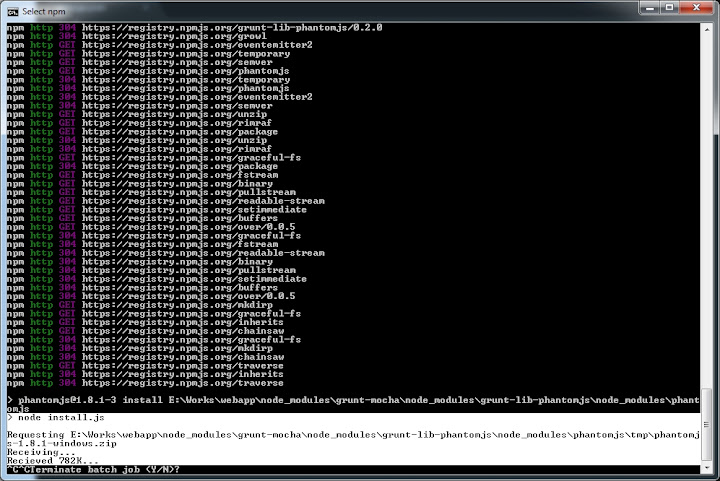
Open the following location,
node_modules/grunt-mocha/node-modules/grunt-lib-phantomjs/node_modules/phantomjs/lib/
copy and paste phantom folder (extracted files from phantomjs.org) here.
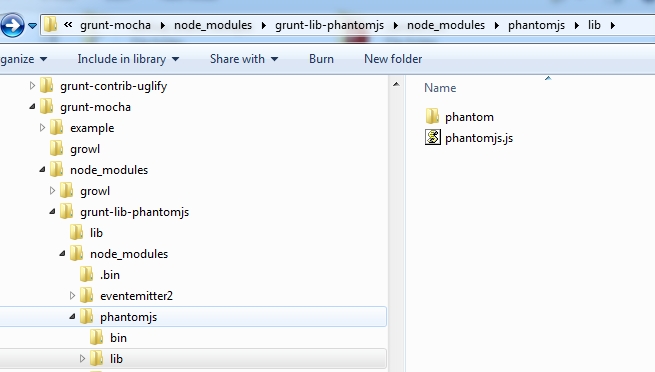
Open package.json from project root folder and add “grunt-mocha”:“~0.2.2” back to the list. Close cmd and reopen it. Now everything in place and we can play with yeoman commands.
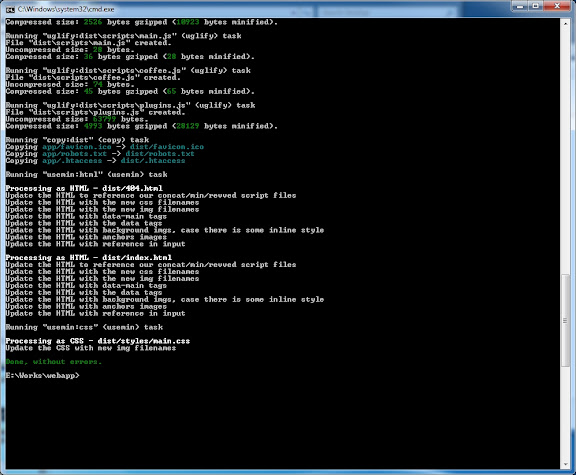
run grunt
This will generate production quality version of your app in dist folder.
Yo commands
yo webapp - creates project structure
grunt test - test against Mocha test suite
grunt server - runs your app in local server
grunt watch - watch modified fles and recompile it.
More on Yeoman 1.0 beta Yeoman github documentation
Errors may encounter during installation
Some of the following issues may encounter during the installation.
Bower error status code of git :127
I got error 128 when I tried powershell.
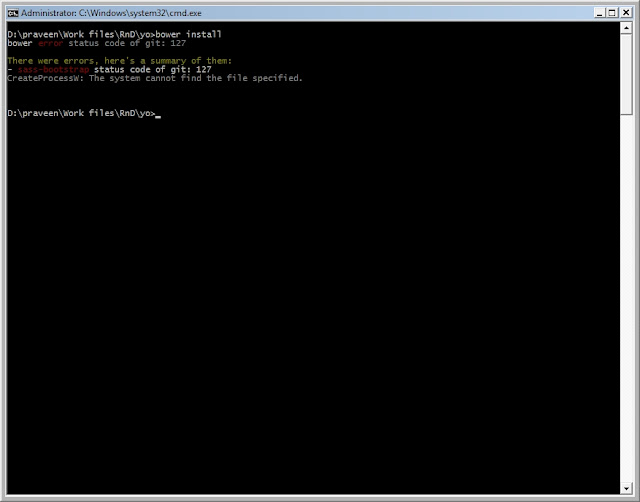
Solution: add Git path in windows environment variables.

Error listen EADDRINUSE ….
Sometimes when you use grunt server, may encounter this error. This is because of the port is being used by another program. Find the program which uses the port.
netstat -aon | grep 35729 to filter the port and PID. Open task manager and kill the process. Run grunt server again.

Summary
Yeoman 1.0 Beta is simpler than previous version. There are differences in the way command supplies, previously to boot up local server we used ‘yeoman server’, but now it is ‘grunt server’. Yeoman, grunt and bower are separated in this version and it is more flexible than previous Yeoman 0.9.